wakeon
Wakeon


Wakeon is a simple, modern, and open-source Wake-on-LAN application built with Flutter.
Wake your computers, servers, NAS devices, and other Wake-on-LAN compatible hardware with a single tap.
Designed with simplicity in mind, Wakeon focuses on reliability, privacy, and a clean Material 3 user experience.
Features
Core Features
- Wake-on-LAN magic packet support
- Add and manage multiple devices
- Edit and delete saved devices
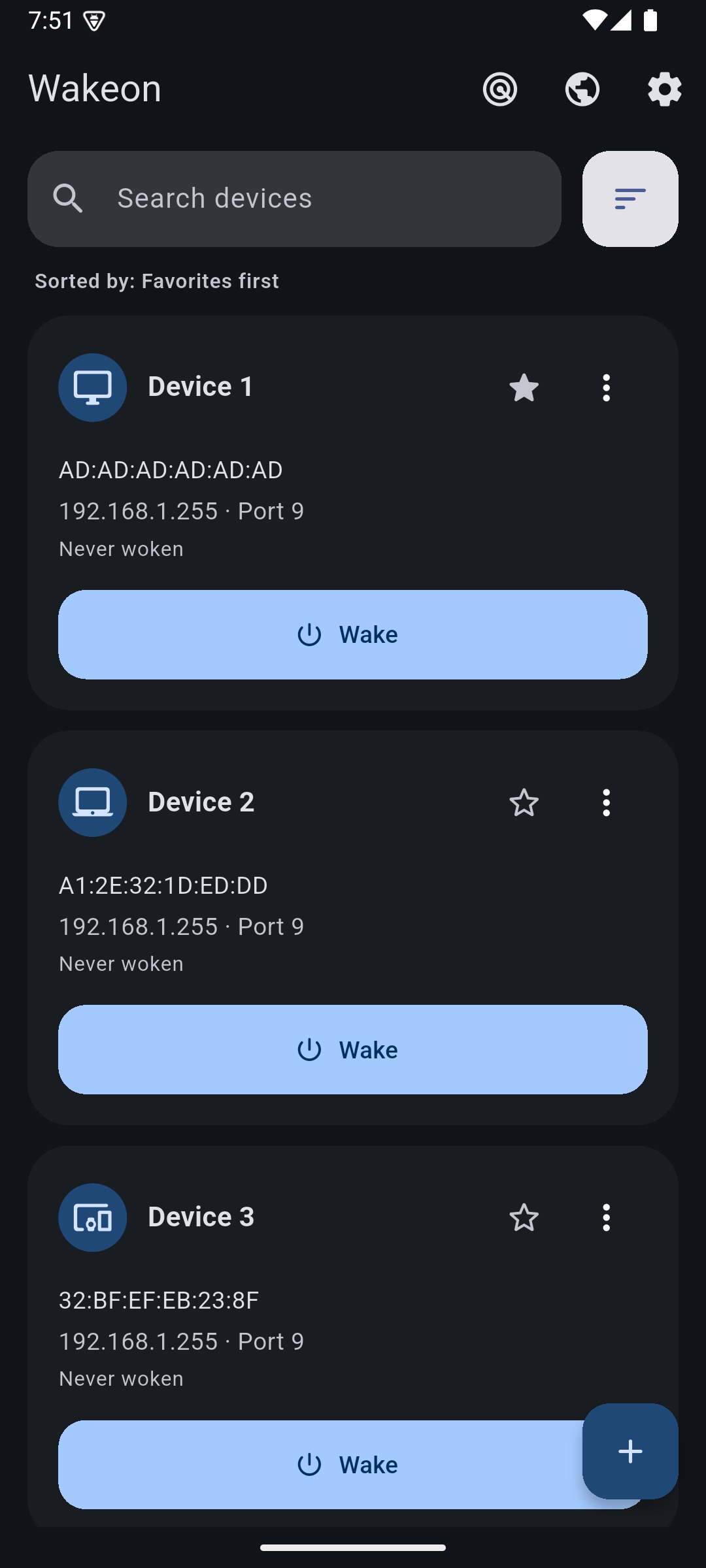
- Automatic last wake tracking
- Local device storage
- Fast one-tap wake action
Network Tools
- Local network discovery helper
- Broadcast address assistance
- Manual device configuration
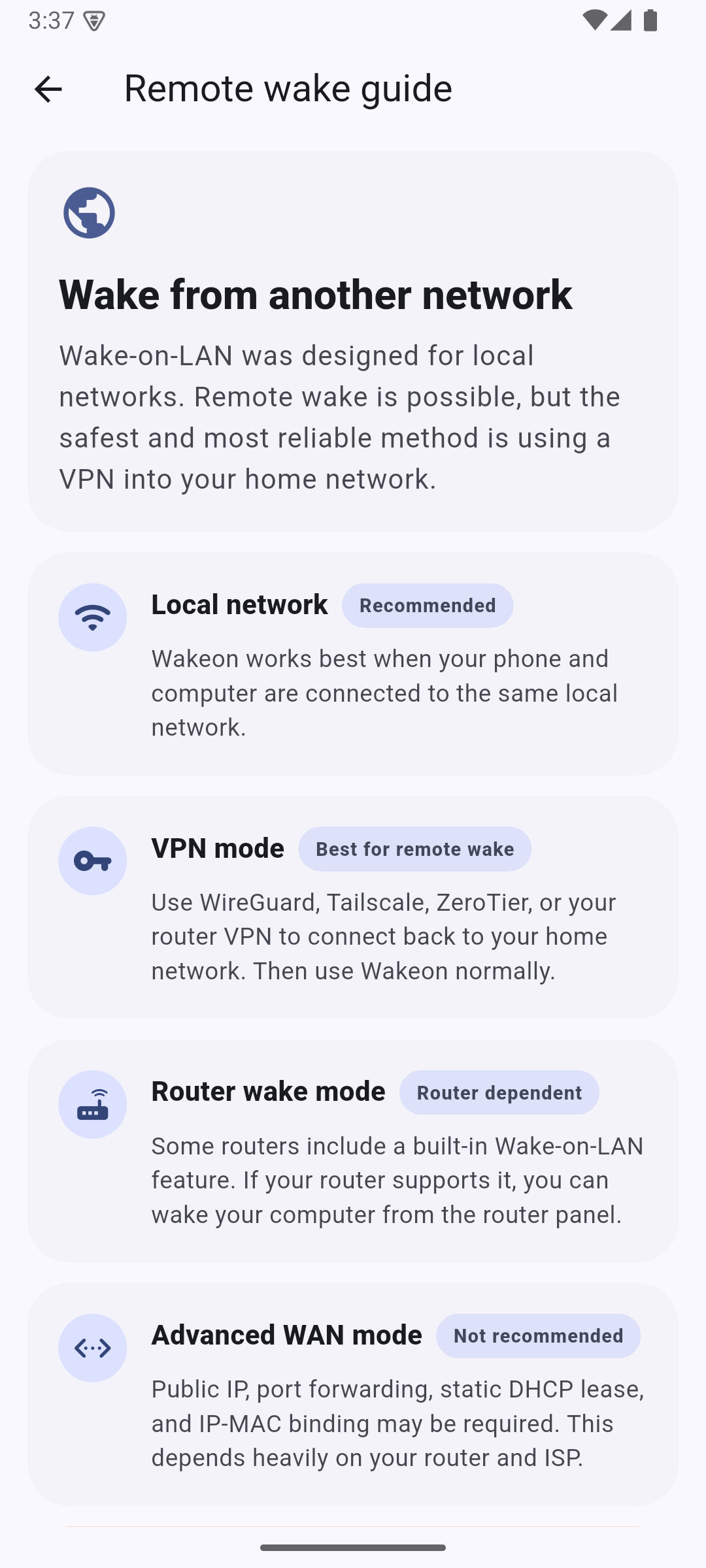
- Remote Wake guide
User Experience
- Material 3 design
- Persistent system, light, and dark theme choices
- Persistent system, English, and Turkish language choices
- Responsive layout
- Beginner-friendly setup flow
Store Experience
- Automatic update checks at most once every 24 hours
- Manual update checks from Settings
- Google Play flexible and immediate in-app update flows
- App Store version discovery by bundle ID after the iOS release is published
- In-app App Store product page, so iOS users stay inside Wakeon while updating
- Native Play Store and App Store rating sheets
- Usage-based review prompts only after meaningful successful wake actions
- Optional lifetime Premium purchase that removes all ads
- Purchase restoration across devices through the user’s store account
The store integrations do not require a private API, Firebase, analytics, or a
remote configuration service. Android uses Google Play Core. iOS looks up the
public App Store record for com.alpwarestudio.wakeon and uses StoreKit.
🔒 Secure Device Sharing
- Optional share expiration
- Encrypted share links
- Easy import/export
🔐 Privacy First
- No account required
- No sign-in required
- No cloud dependency
- No device-profile data in ads or analytics
- Optional one-time ad-free upgrade
- Local-only device storage
- Device data remains on your device
- No user accounts
Screenshots
| Home (Light) | Add Device |
|---|---|
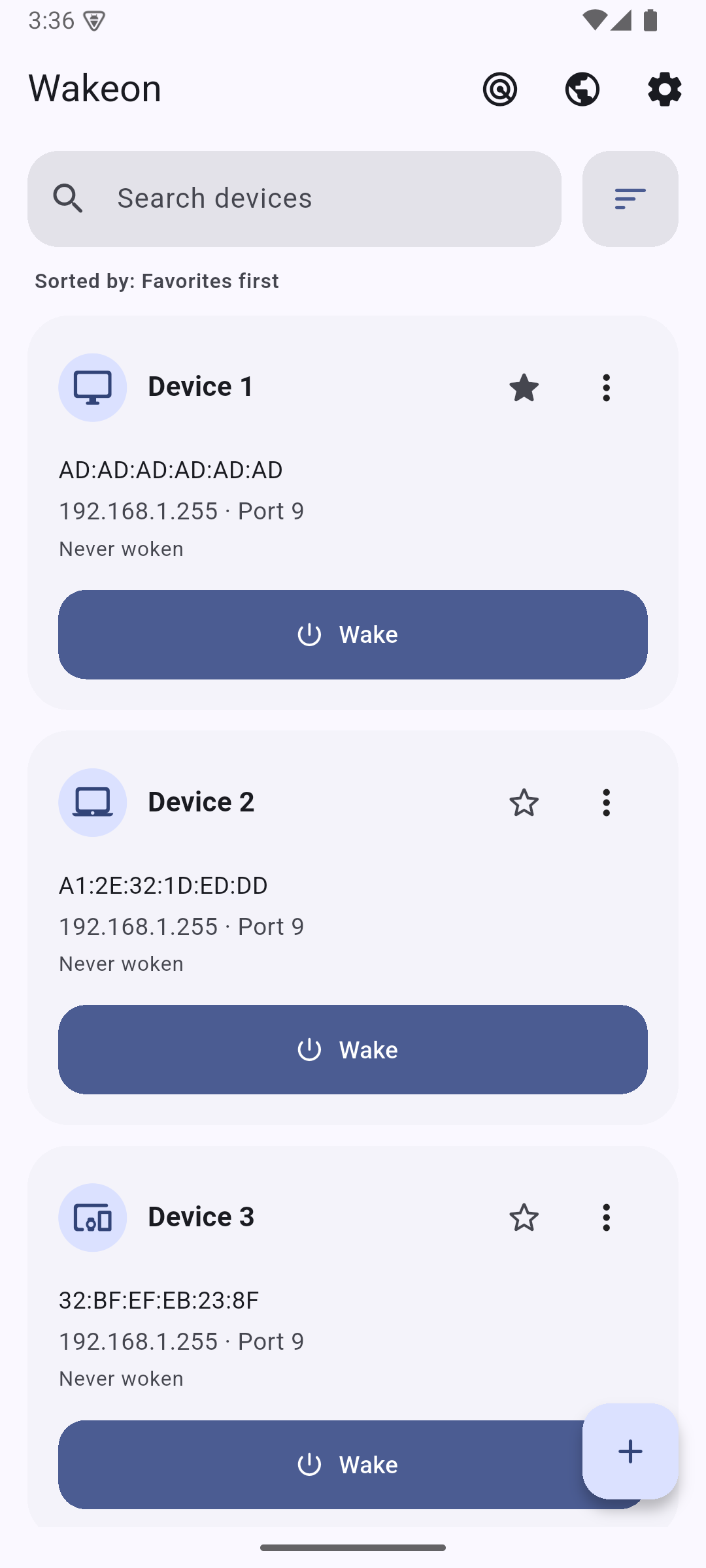 |
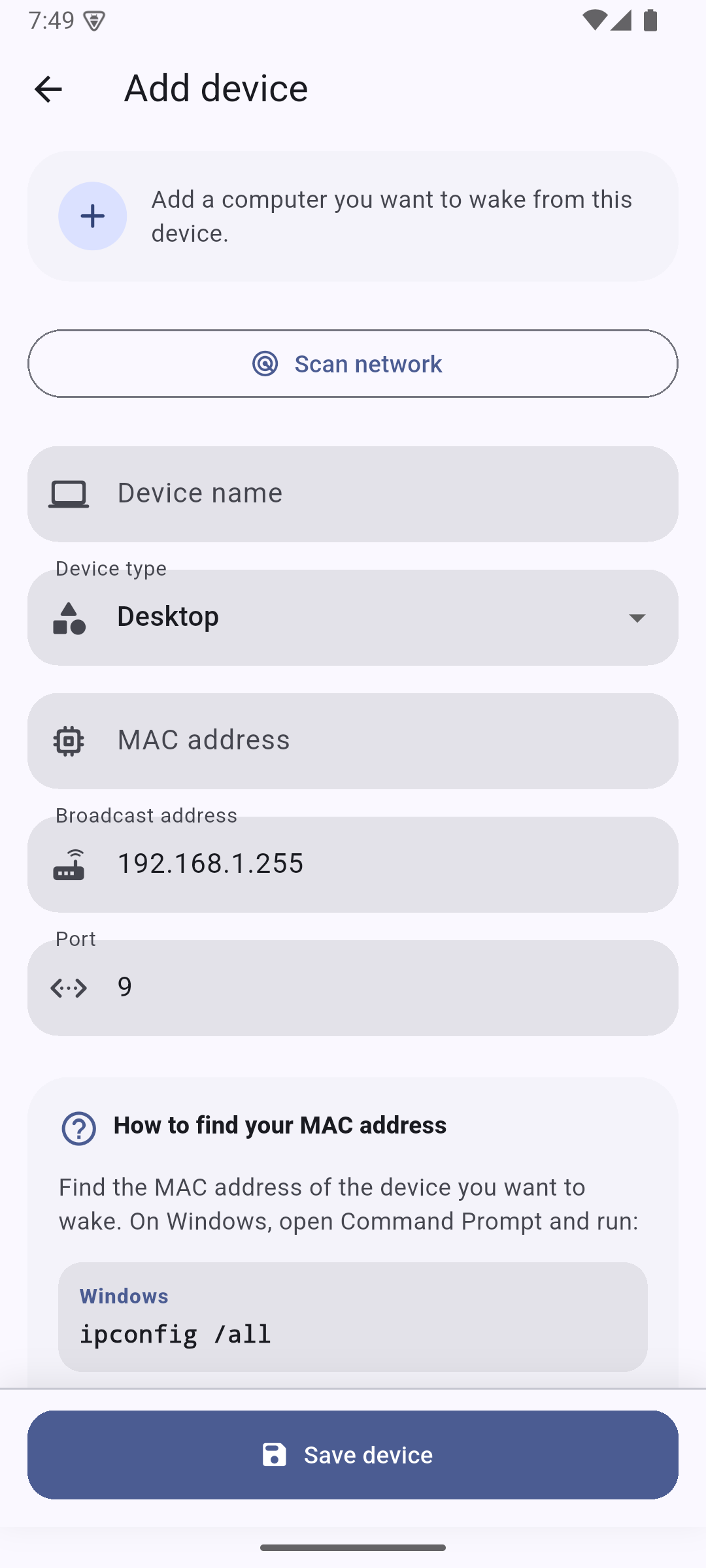 |
| Network Scan | Settings |
|---|---|
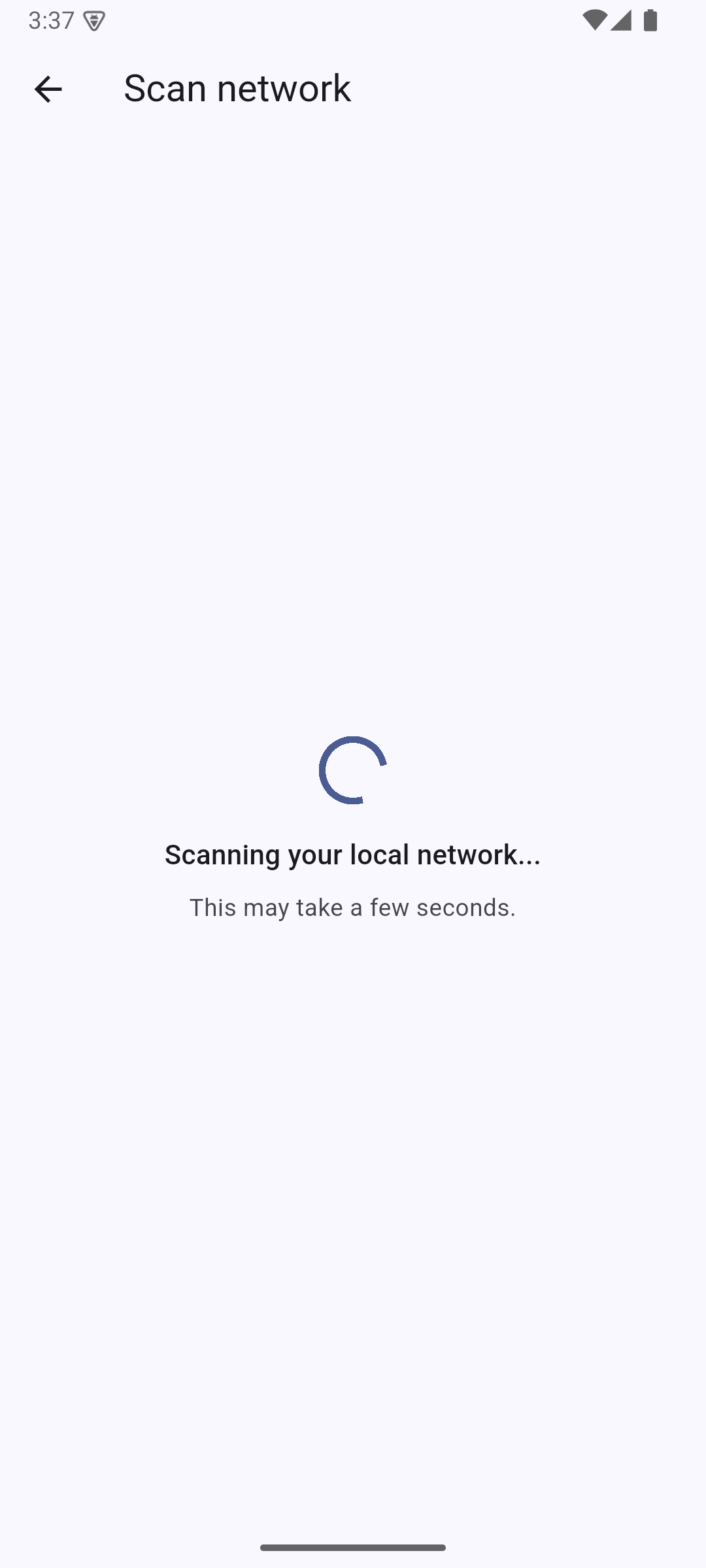 |
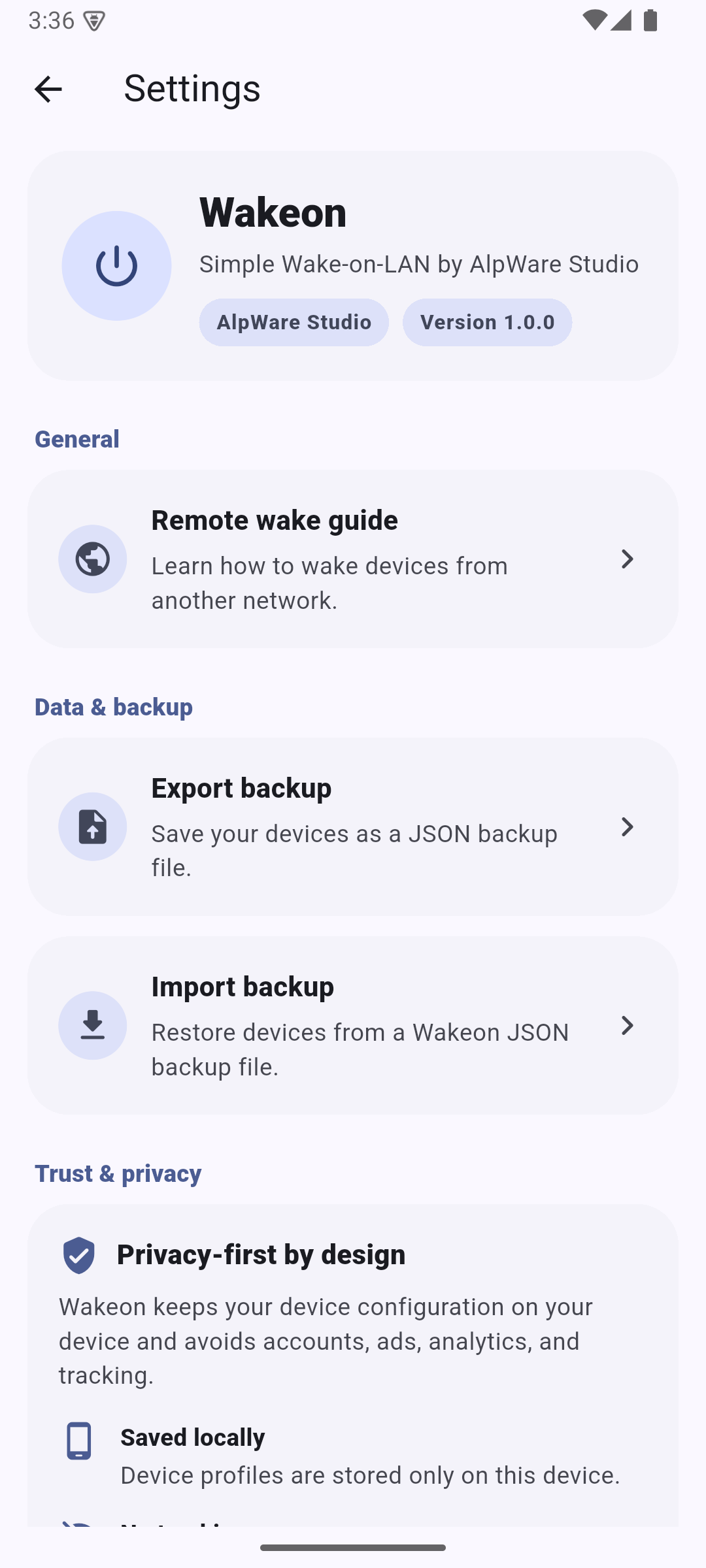 |
| Remote Wake Guide | Home (Dark) |
|---|---|
 |
 |
How Wake-on-LAN Works
Wake-on-LAN (WOL) allows a powered-off or sleeping computer to be started remotely by sending a special network packet called a Magic Packet.
Wakeon generates and sends this packet to the selected device.
Typical configuration:
MAC Address: AA:BB:CC:DD:EE:FF
Broadcast Address: 192.168.1.255
Port: 9
Getting Started
1. Enable Wake-on-LAN in BIOS/UEFI
Enable one of the following options depending on your motherboard:
- Wake-on-LAN
- Wake by PCI-E
- Power On By PCI-E
- Resume By LAN
- PME Event Wake Up
2. Configure Your Network Adapter
On Windows:
- Open Device Manager
- Open your Ethernet adapter properties
- Enable:
- Allow this device to wake the computer
- Only allow a magic packet to wake the computer
- Enable Wake-on-LAN related options under the Advanced tab
3. Add Your Device to Wakeon
You will typically need:
- Device name
- MAC address
- Broadcast address
- Port (usually 9)
Finding Your MAC Address
Windows
Open Command Prompt:
ipconfig /all
Use the Physical Address value of your Ethernet adapter.
macOS
ifconfig
Linux
ip addr
Remote Wake
Wake-on-LAN was originally designed for local networks.
For remote wake scenarios, Wakeon recommends using:
- WireGuard
- Tailscale
- ZeroTier
- Router VPN solutions
Advanced WAN setups using:
- Port forwarding
- Static DHCP lease
- MAC/IP binding
- Broadcast forwarding
may work depending on your router and ISP.
Supported Platforms
- Android
- iOS
Planned:
- Windows
- macOS
- Linux
Tech Stack
- Flutter
- Dart
- Riverpod
- SharedPreferences
- Material 3
- Cryptography Package
- Google Play Billing / StoreKit through
in_app_purchase
Google Play Experience
The Android build supports native Google Play in-app reviews and in-app updates. Automatic review prompts are intentionally conservative: Wakeon waits until the user has configured a device, completed at least three successful wake operations, used the app in multiple sessions, and passed a minimum installation age. Eligibility counters remain local on the device.
Privacy Policy
Wakeon keeps device profiles and local-network scan results on the user’s device. Advertising, aggregate analytics, and optional store purchase processing are described transparently in the policy.
For details, see Privacy Policy.
Wakeon never sends device names, MAC addresses, local IP addresses, backup contents, or share codes to advertising or analytics services. No Wakeon user account is required.
Premium development override
To exercise the complete ad-free UI without changing store ownership, run a non-release build with:
flutter run --dart-define=WAKEON_FORCE_PREMIUM=true
Release builds always ignore this override.
Platform-specific store configuration
Android and iOS monetization settings are configured independently.
Each store has its own non-consumable product with the ID wakeon_premium.
The product IDs can be overridden independently with
ANDROID_PREMIUM_PRODUCT_ID and IOS_PREMIUM_PRODUCT_ID build defines.
iOS release builds contain their own AdMob app, banner, and interstitial IDs. Android release ad units must be supplied separately:
flutter build appbundle \
  --dart-define=ADMOB_ANDROID_BANNER_ID=ca-app-pub-.../... \
  --dart-define=ADMOB_ANDROID_INTERSTITIAL_ID=ca-app-pub-.../...
Debug and profile builds always use Google’s platform-specific test ad units. See the iOS release checklist before uploading the first Apple build.
Open Source
Wakeon is open-source and community-friendly.
Contributions, bug reports, feature requests, and pull requests are welcome.
Roadmap
- Improved network discovery
- Better hostname detection
- Automatic MAC address detection
- Windows support
- macOS support
- Linux support
- Additional accessibility improvements
License
MIT License
Copyright (c) 2026 AlpWare Studio